
Everything for your Yoto player
Pixel perfect icons. Sticker sheets.
Playlists. Gear. Guides.
Subscribe to get the latest updates


Every icon above was made by typing a few words. No drawing. Upload any of them directly to your Yoto library.
Everything for your Yoto
Everything you need for Make Your Own cards, without hunting across six different sites.
Icons
Describe it, get a pixel icon
Type what you want and get a Yoto-ready 16×16 icon in seconds. Or browse hundreds we made earlier and upload them directly to your Yoto library.
OpenPlaylists
Build it, find every track
Put a playlist together and get YouTube and YouTube Music links for every song, ready for your Make Your Own card.
OpenStickers
Labels that actually fit
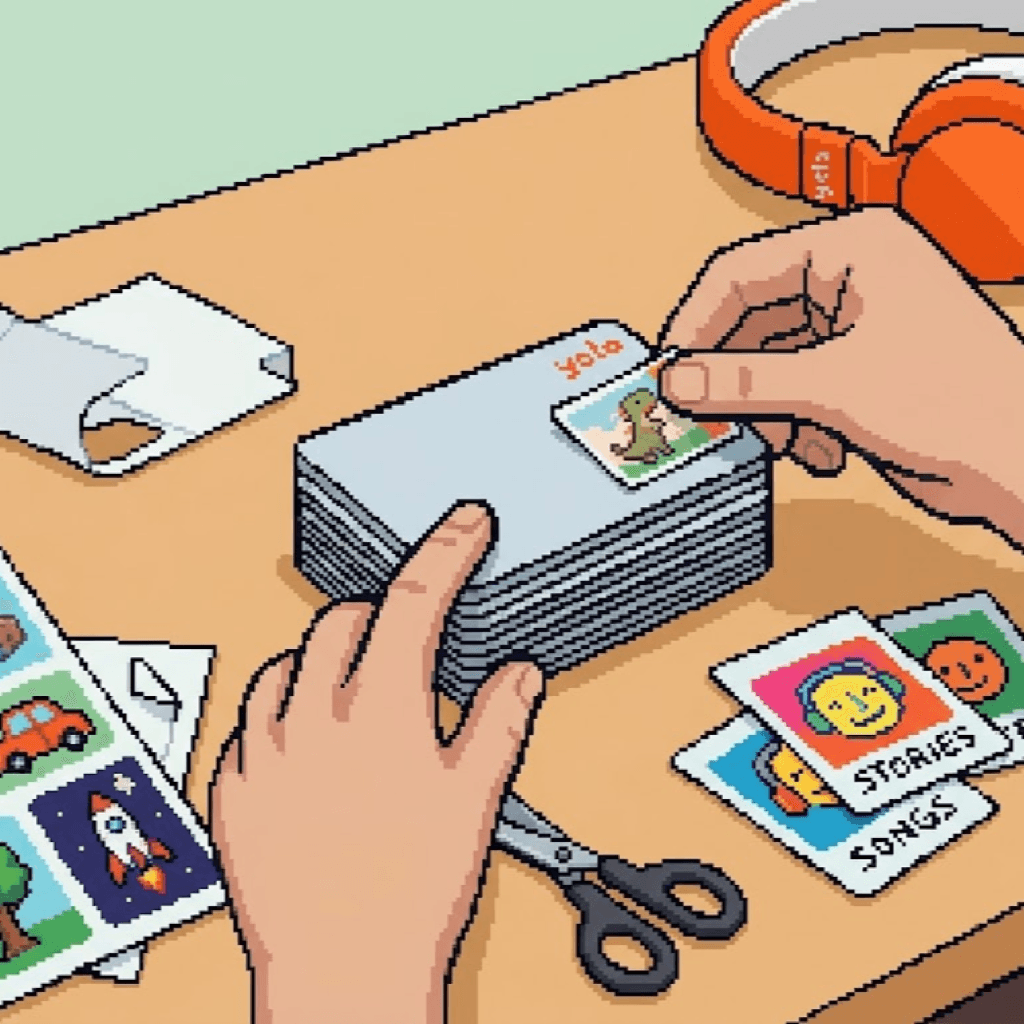
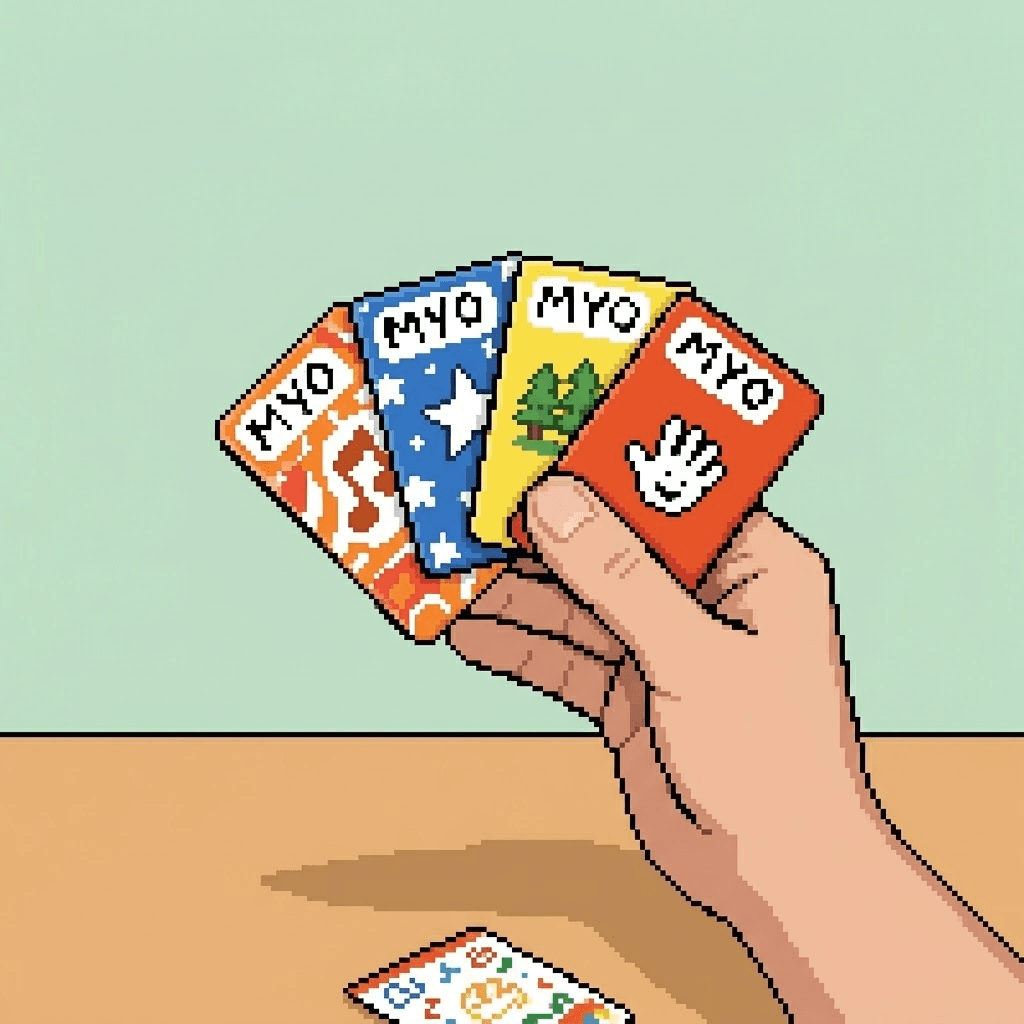
Sticker label sets cut to the size of a Make Your Own card, with space to write the name. Plus a free printable template.
OpenAccessories
The good stuff, tested
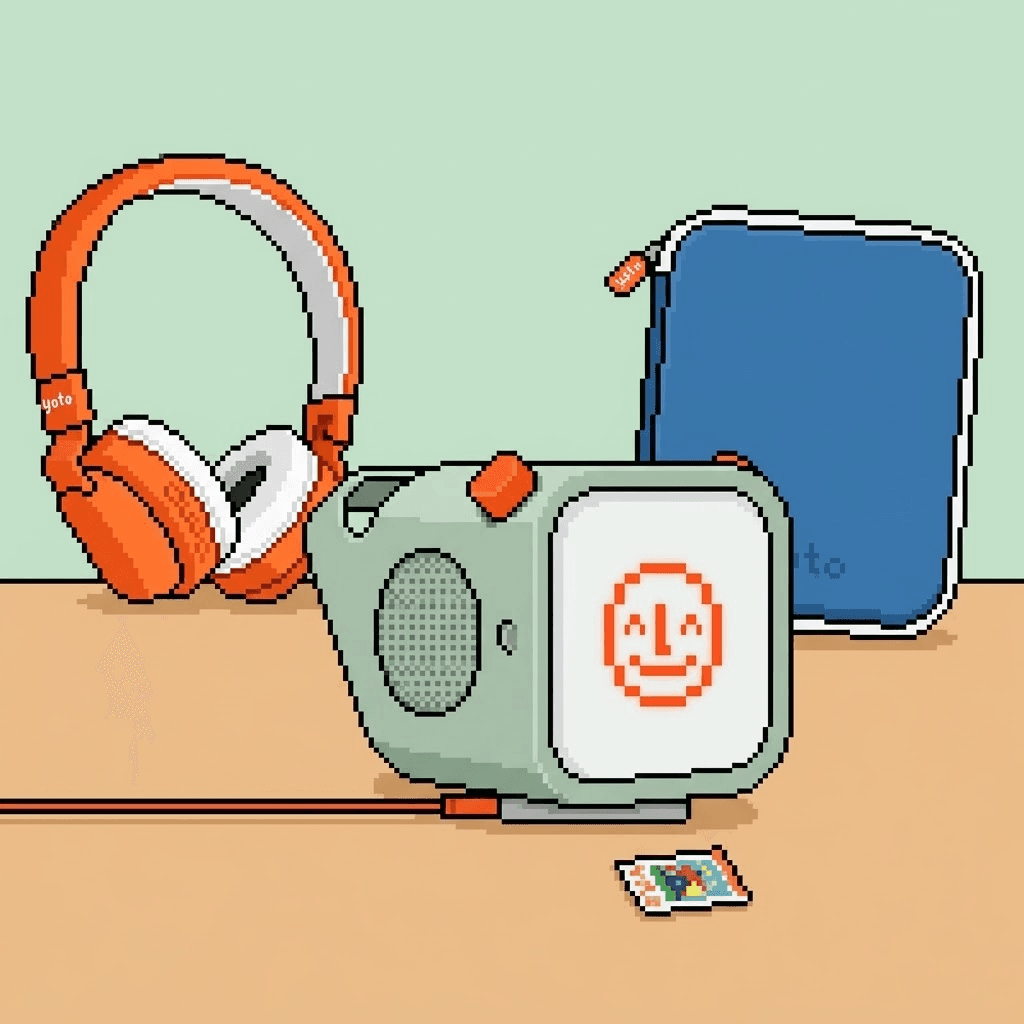
Cases, headphones, card storage and travel kit — official and third-party, with honest notes on what is worth it.
OpenGuides
How-tos, ideas, and what families are making
Guides for getting more out of your player, plus stories and ideas from other families.
Open


430 icons made so far
Each one started as a short description and came out as a 16×16 image that actually reads on the player screen. Upload any of them directly to your Yoto library in one click, or download the file. Browse all the free Yoto icons.


And some of them move
Animated icons are 16×16 too, just saved as a GIF. Every one of these was built from a still icon by shifting whole pixels.


Read while you wait
The things we wish someone had told us sooner.
How to set up a new Yoto Player or Mini, what to do when the Wi-Fi doesn't connect, and what to do first once it works.
Yoto cards are 54 × 85.6 mm (2.13 × 3.37 in). The label size that fits, free A4 and Letter templates, Avery and Canva sizes, and sticker paper that works.
Yoto bundles may look like a deal, but against the same parts on sale they save about 10%, and sometimes nothing at all.
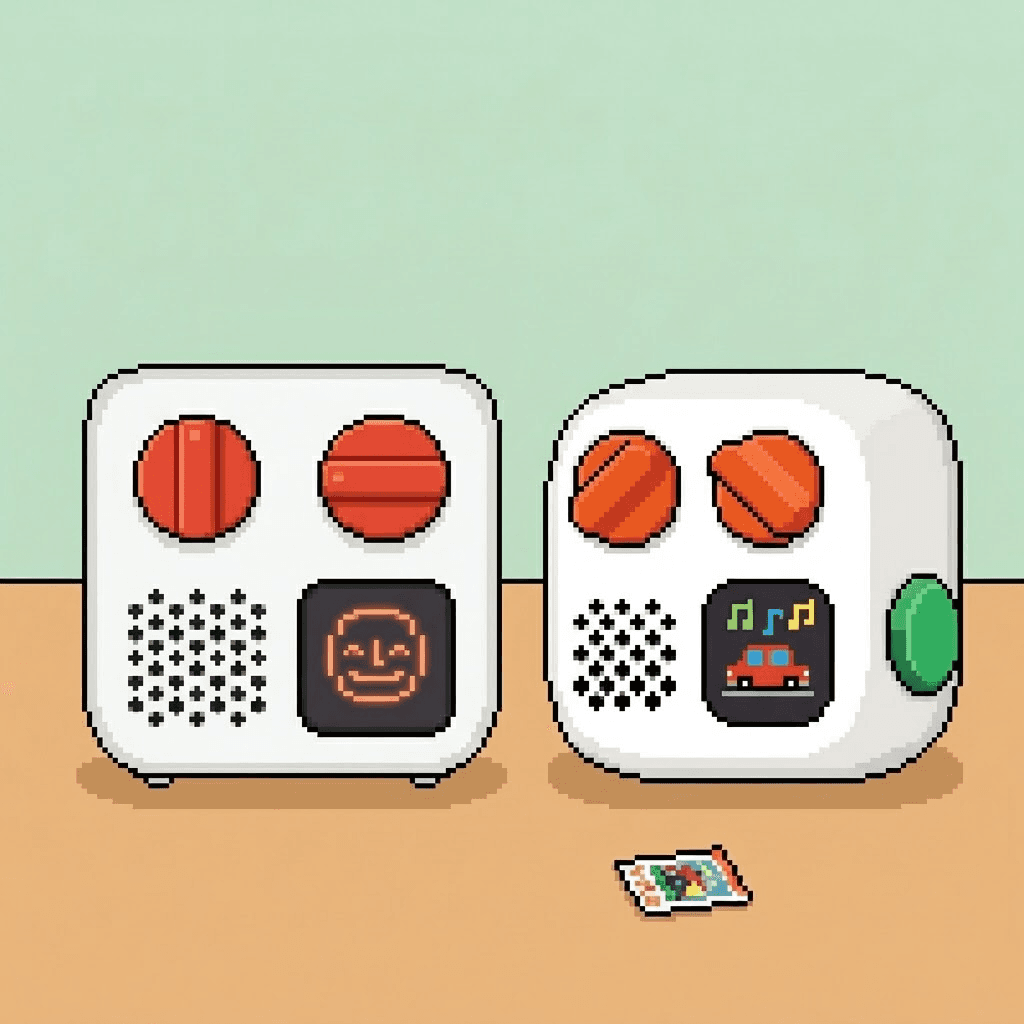
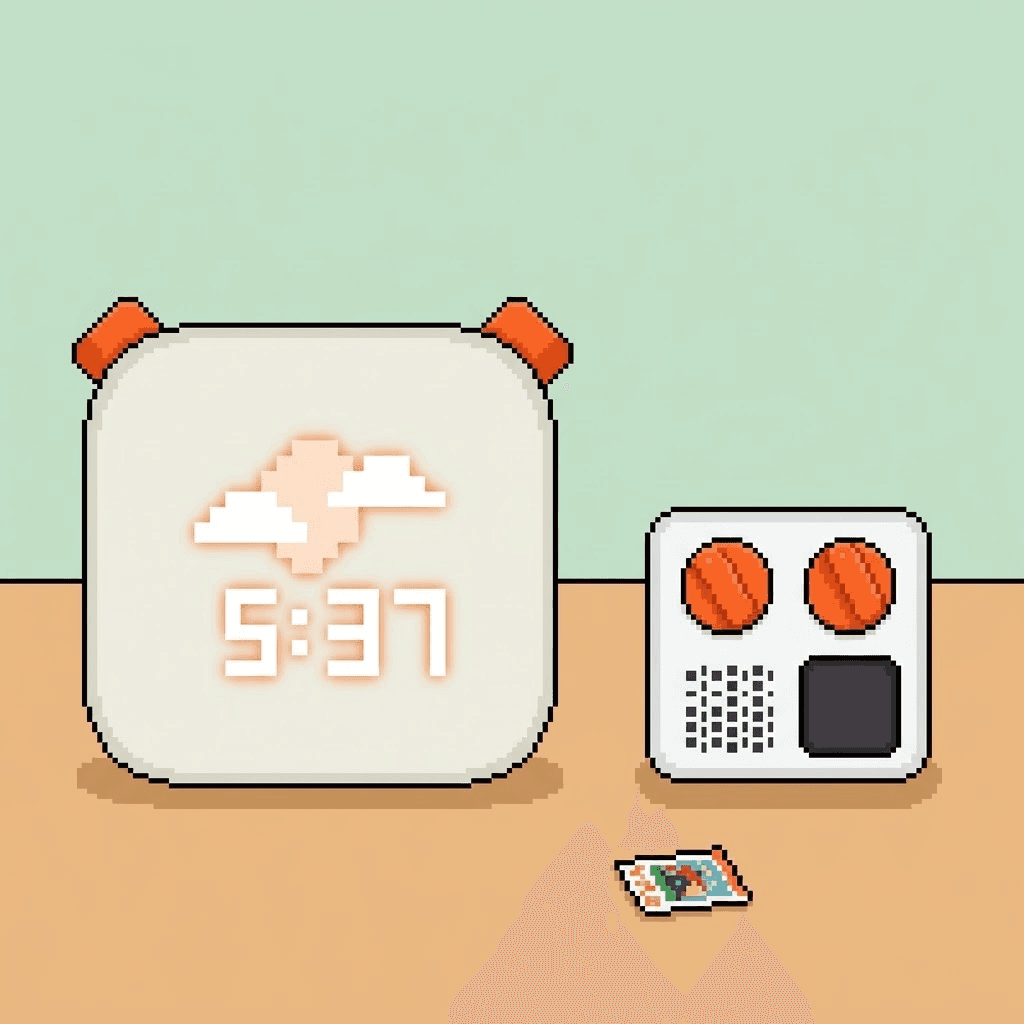
Yoto Player 4th Gen vs 3rd Gen: the Green Button, 64GB, a full-panel nightlight and higher prices. What actually changed, and whether it's worth the upgrade.
Make custom Yoto labels for MYO cards that survive small hands: the printable sticker sheets we use, how we lay them out, and what rubbed off first.
Yoto Player vs Yoto Mini, compared on Yoto's own current figures - and what actually decided it for us. We bought the Mini at not-quite-two and the Player for her third birthday.
Make custom 16×16 icons for Yoto Make Your Own cards: draw one, download a free one, or generate one. What each takes, and which is worth your evening.
The card is basically a bookmark, and everything else lives online. Once that clicks, a lot of confusing Yoto behaviour makes sense.
Little looping animations work on the player, and they delight small children. I know it wasn't the point, but it's too cool to pass up.
Yoto icon size: 16×16 pixels, PNG or GIF
Troubleshooting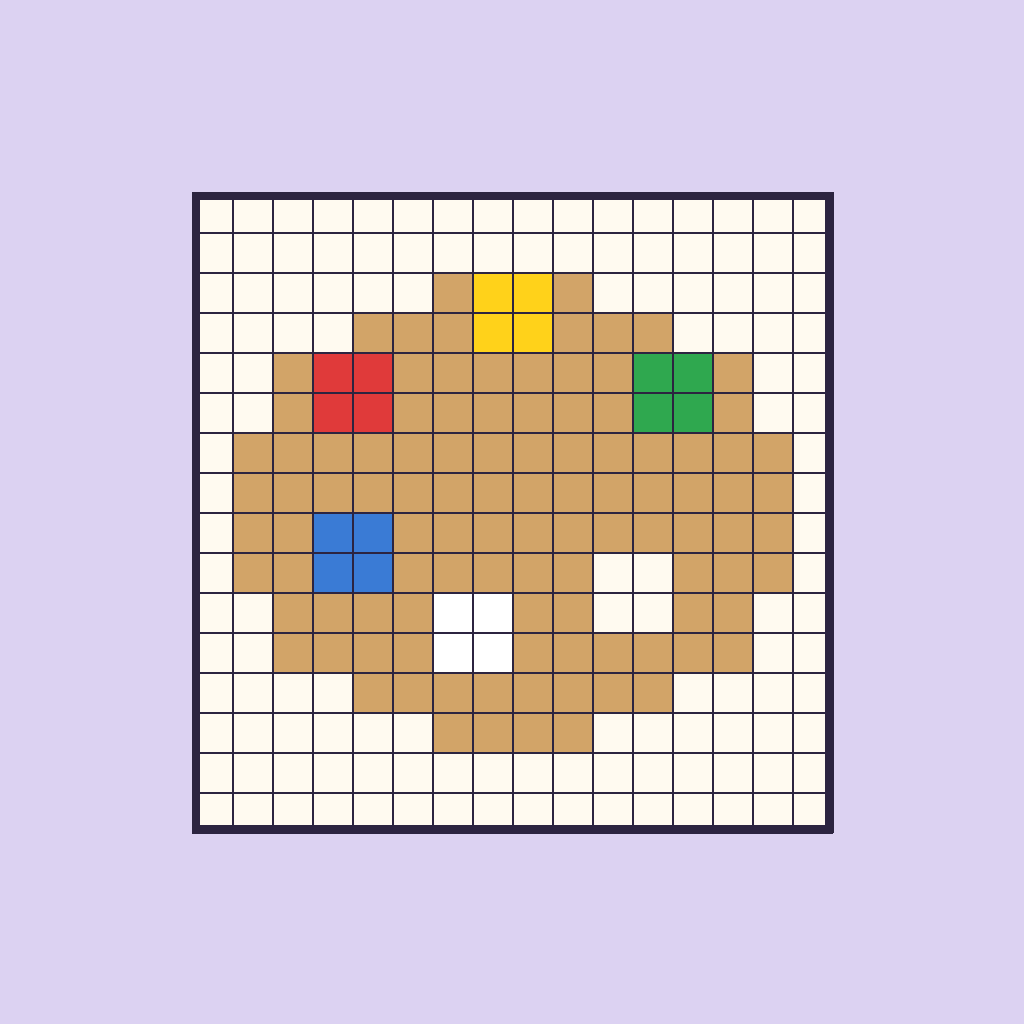
Yoto icons are exactly 16×16 - PNG for still, GIF for animated, 32-bit RGBA. The full spec, why shrinking a photo turns it to mud, and what I got wrong.
Yoto vs Toniebox: an honest comparison
Comparison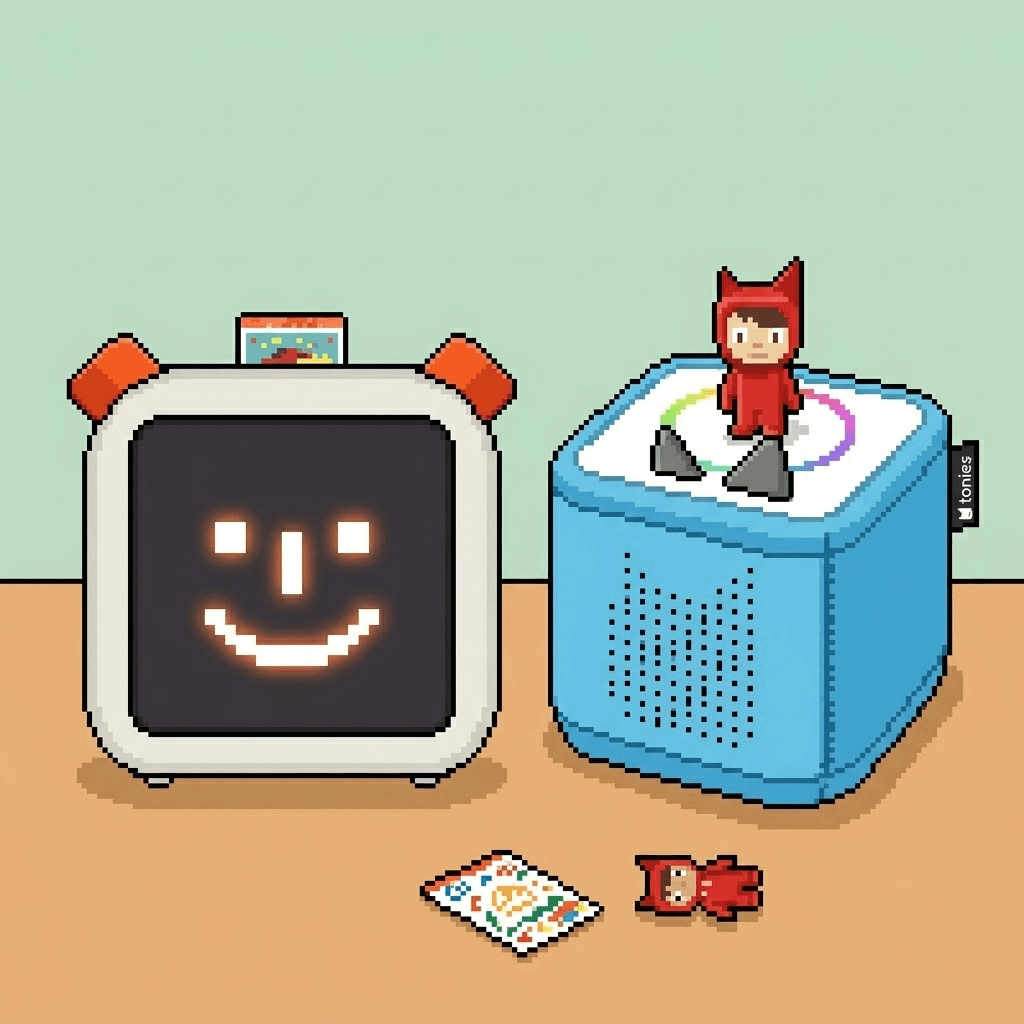
Yoto vs Toniebox, decided by your child's age rather than the spec sheet. What each one does better, and where Tonies and MYO cards really diverge.

Subscribe for updates
New icons, new playlists, and the tools as they open. No more than one email a month.